Building a Context Graph with MCP: Architecture Patterns for Data Teams
Connect catalog, lineage, quality, and semantic sources into one graph
Building a context graph with MCP uses the Model Context Protocol to connect catalogs, lineage tools, quality monitors, and semantic layers into one queryable graph for AI agents. Instead of brittle point-to-point integrations, MCP gives you a universal interface — the architecture Data Workers pioneered with 15 coordinated agents.
Building a context graph with MCP is how forward-thinking data teams are solving the AI agent accuracy problem in 2026. The Model Context Protocol (MCP) provides a standardized way to connect disparate metadata sources — catalogs, lineage tools, quality monitors, semantic layers — into a single queryable graph that AI agents can traverse at inference time. Instead of building brittle point-to-point integrations between every metadata source and every AI tool, MCP gives you a universal interface that turns your scattered metadata into a coherent context graph. Data Workers pioneered this MCP-native architecture with 15 coordinated AI agents that build and maintain your context graph across 85+ data infrastructure integrations.
The challenge every data team faces is the same: context lives in too many places. Schema metadata is in Snowflake. Lineage is in dbt. Quality scores are in Monte Carlo or Great Expectations. Business definitions are in Confluence or someone's head. Ownership is in a spreadsheet. To build a context graph, you need to bring all of this together — and MCP is the protocol that makes this feasible without writing hundreds of custom connectors.
Why MCP Is the Right Foundation for a Context Graph
Before MCP, building a context graph meant writing custom integrations for every metadata source. You needed a Snowflake connector to extract schema metadata, a dbt connector to parse lineage, a Monte Carlo connector to pull quality alerts, and a custom script to scrape business definitions from Confluence. Each connector had its own authentication model, data format, and failure modes. Maintaining this integration layer consumed more engineering time than building the graph itself.
MCP standardizes this entire layer. Each metadata source exposes its data through MCP servers — structured interfaces that AI agents can query using a consistent protocol. An MCP server for Snowflake exposes schema metadata, query history, and access patterns. An MCP server for dbt exposes model definitions, lineage, and test results. An MCP server for your quality tool exposes freshness, accuracy, and anomaly data. The context graph then becomes a graph that connects the nodes exposed by these MCP servers.
- •Standardized interface. Every metadata source speaks the same protocol, eliminating custom connector maintenance.
- •Real-time updates. MCP servers push changes as they happen — new tables, schema migrations, quality failures — keeping the graph current.
- •Composable architecture. Add a new metadata source by deploying a new MCP server. The context graph discovers and integrates it automatically.
- •Agent-native. AI agents query MCP servers directly, so the context graph is not a static export — it is a live, queryable knowledge layer.
Architecture Pattern 1: Centralized Context Graph
In the centralized pattern, a single orchestrator agent connects to all MCP servers, ingests metadata, and constructs the context graph in a central graph database. All other agents query the central graph rather than individual MCP servers. This pattern works best for teams with a dedicated data platform team that can own the graph infrastructure.
The advantage is simplicity: one graph, one query interface, one place to debug. The disadvantage is that the central graph can become a bottleneck — both in terms of ingestion latency (changes must flow through the orchestrator) and in terms of scale (the graph must fit in a single store). For teams with fewer than 10,000 tables, this pattern works well. Beyond that, consider the federated pattern.
Architecture Pattern 2: Federated Context Graph
The federated pattern keeps metadata in place — each MCP server remains the source of truth for its domain — and uses a lightweight federation layer to route agent queries to the right servers. When an agent needs lineage, the federation layer routes to the dbt MCP server. When it needs quality, it routes to the quality MCP server. The context graph exists as a virtual layer, not a materialized store.
This pattern shines at scale because there is no central ingestion bottleneck. Each MCP server manages its own data, and the federation layer only handles routing and result merging. The trade-off is query complexity: multi-hop queries that span multiple MCP servers require the federation layer to orchestrate multiple calls and stitch results together, which adds latency.
Architecture Pattern 3: Hybrid Materialized + Federated
Most production deployments land on a hybrid approach: materialize the most-queried relationships (lineage edges, metric definitions, ownership mappings) in a central graph, and federate the rest. Frequently accessed paths are fast because they hit the materialized graph. Long-tail queries that need detailed metadata fall through to the individual MCP servers.
This is the architecture Data Workers uses internally. The core context graph — lineage, ownership, semantic definitions — is materialized and updated in near-real-time by dedicated agents. Detailed metadata like query history, access patterns, and granular quality metrics are federated to the source MCP servers. The result is sub-second response times for common agent queries with full fidelity available for deep investigations.
Architecture Pattern 4: Event-Driven Context Graph
In the event-driven pattern, MCP servers emit events whenever metadata changes — a new table is created, a column is renamed, a quality test fails, a metric definition is updated. A stream processor (Kafka, Kinesis, or a simpler queue) ingests these events and updates the context graph incrementally. This pattern gives you the freshness of federation with the query performance of materialization.
The event-driven approach is particularly powerful for incident response. When a data quality issue occurs, the event propagates through the context graph in real-time, and every downstream agent immediately knows which metrics are affected. Data Workers' agents use this pattern to achieve minute-level freshness on the context graph — far faster than the hourly or daily batch refreshes that traditional catalogs rely on.
Architecture Pattern 5: Multi-Agent Graph Construction
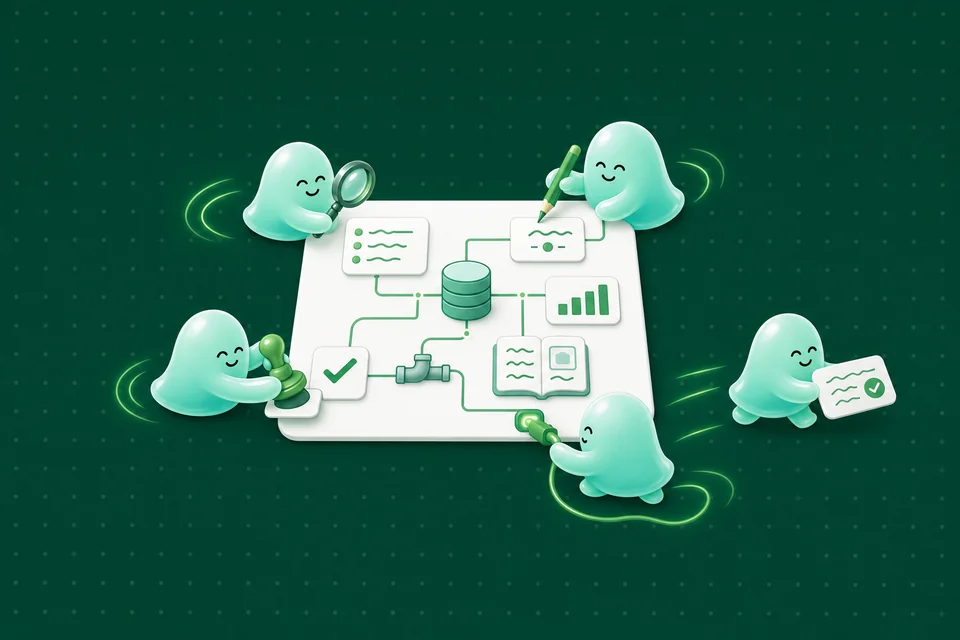
The most advanced pattern uses multiple specialized agents to build different portions of the context graph simultaneously. A lineage agent builds the transformation subgraph. A quality agent builds the reliability subgraph. A semantic agent builds the business definition subgraph. A discovery agent builds the asset inventory subgraph. Each agent is an expert in its domain, and the graph emerges from their collective output.
This is the pattern Data Workers was built on: 15 specialized AI agents, each responsible for a specific aspect of the context graph, all communicating via MCP. The Catalog Agent discovers assets. The Lineage Agent traces transformations. The Quality Agent monitors reliability. The Semantic Agent maps business definitions. The Governance Agent enforces policies. Together they produce a context graph that is richer than any single agent could build alone.
| Pattern | Best For | Latency | Complexity | Scale |
|---|---|---|---|---|
| Centralized | Small teams, < 10K tables | Low | Low | Limited |
| Federated | Large orgs, many metadata sources | Medium | Medium | High |
| Hybrid | Most production deployments | Low-Medium | Medium | High |
| Event-Driven | Real-time incident response | Very Low | High | High |
| Multi-Agent | Full automation, maximum coverage | Low | High | Very High |
Implementation Steps: From Zero to Context Graph
Building a context graph with MCP follows a predictable sequence regardless of which architecture pattern you choose. Start with the data sources that matter most — typically your primary warehouse and transformation tool — and expand from there.
- •Step 1: Deploy MCP servers for your core sources. Start with your warehouse (Snowflake, Databricks, BigQuery) and your transformation tool (dbt, Airflow, Spark). These two sources give you schema metadata and lineage — the backbone of any context graph.
- •Step 2: Connect quality and semantic sources. Add MCP servers for your quality monitoring tool and your semantic layer or metric store. This gives agents the ability to assess data trustworthiness and understand business meaning.
- •Step 3: Build the initial graph. Run your agent(s) to crawl all connected MCP servers and construct the initial context graph. With Data Workers, this takes under an hour for most data infrastructures.
- •Step 4: Validate and enrich. Review the auto-discovered relationships, correct any errors, and add business context that cannot be derived automatically — metric definitions, business rules, and domain-specific semantics.
- •Step 5: Enable agent queries. Connect your AI agents to the context graph so they can query it at inference time. Every query the agent writes should be informed by the relationships in the graph.
- •Step 6: Monitor and iterate. Track graph coverage, query accuracy, and agent performance. Expand to additional MCP servers as you identify gaps in the context graph.
Get Started Building Your Context Graph
Building a context graph with MCP does not require ripping out your existing tools or starting from scratch. Data Workers connects to your current infrastructure via MCP — 85+ integrations out of the box — and builds the context graph on top of what you already have. The Apache 2.0 licensed platform means no vendor lock-in, and most teams see their first context graph operational within a single day.
Teams using Data Workers' context graph report $1.3M+ in annual savings per team through faster incident resolution, reduced hallucinations, and lower warehouse costs. Book a demo to see how the multi-agent context graph architecture works with your specific data stack — whether you are on Snowflake, Databricks, BigQuery, or a multi-cloud setup.
Go from data platform to
agentic platform.
With autonomous AI agents working across your entire data stack — MCP-native, open-source, deployed in minutes.
Book a Demo →Related Resources
- What is a Context Graph? The Knowledge Layer AI Agents Need — A context graph is a knowledge graph of your data ecosystem — relationships, lineage, quality sco…
- How to Use MCP to Automate Data Workflows — Explore how the Model Context Protocol (MCP) can be used to automate and optimize your data workf…
- How to Ensure Data Quality in Your MCP Implementations — Explore effective strategies to ensure data quality in your MCP implementations. Learn best pract…
- Why AI Agents Need MCP Servers for Data Engineering — MCP servers give AI agents structured access to your data tools — Snowflake, BigQuery, dbt, Airfl…
- The Complete Guide to Agentic Data Engineering with MCP — Agentic data engineering replaces manual pipeline management with autonomous AI agents. Here is h…